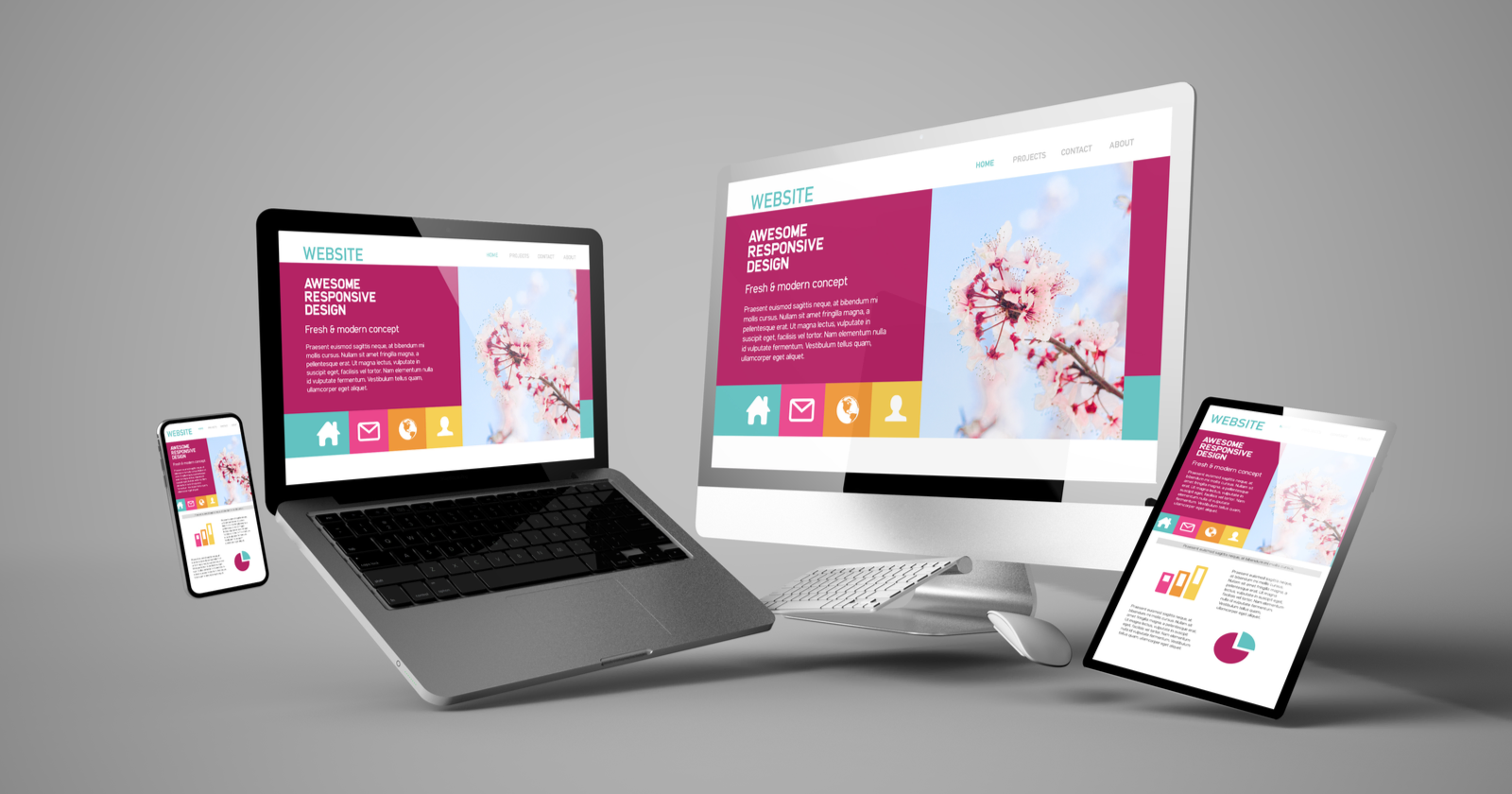
Polaris Training Institute offers an in-person web design training course. This course provides a comprehensive pathway for beginners to become proficient web designers, equipped with the skills needed for the modern digital world.. The course focuses on the fundamentals of web design, teaching you how to build user-friendly and aesthetically pleasing websites. It covers topics such as layout design, color theory, and navigation optimization.
Course Content
Module 1: Introduction to Website Design
Lesson 1.1: What is Website Design?
- Objective: Understand the fundamentals of website design.
- Topics:
- Difference Between Web Design and Development
- The Role of a Web Designer
- Overview of Website Design Tools
- Activity: Explore and compare popular websites.
Lesson 1.2: Principles of Good Design
- Objective: Learn essential web design principles.
- Topics:
- Layout and Structure
- Visual Hierarchy
- Consistency and Accessibility
- Activity: Identify strong design elements in sample websites.
Module 2: Tools and Technologies
Lesson 2.1: HTML Basics
- Objective: Learn the structure of web pages.
- Topics:
- Tags and Elements
- Creating and Structuring a Basic Web Page
- Links, Images, and Lists
- Activity: Build a simple webpage using HTML.
Lesson 2.2: CSS Fundamentals
- Objective: Style web pages effectively.
- Topics:
- CSS Syntax and Selectors
- Colors, Fonts, and Layouts
- Responsive Design Basics
- Activity: Style the HTML page created in Lesson 2.1.
Lesson 2.3: Introduction to JavaScript
- Objective: Add interactivity to web pages.
- Topics:
- Basic Syntax and Functions
- DOM Manipulation
- Simple Animations
- Activity: Create a webpage with interactive elements.
Module 3: Designing for User Experience (UX)
Lesson 3.1: UX Design Principles
- Objective: Understand user-centered design.
- Topics:
- User Research and Personas
- Wireframing and Prototyping
- Navigation Design
- Activity: Create a wireframe for a sample website.
Lesson 3.2: Usability and Accessibility
- Objective: Design websites accessible to all users.
- Topics:
- Web Content Accessibility Guidelines (WCAG)
- Designing for Different Devices and Screen Sizes
- Testing for Accessibility
- Activity: Conduct a usability test on an existing website.
Module 4: Advanced Web Design
Lesson 4.1: Responsive Design Techniques
- Objective: Build websites that adapt to any screen size.
- Topics:
- Media Queries
- Flexible Grid Layouts
- Optimizing Images for Responsiveness
- Activity: Create a responsive webpage.
Lesson 4.2: Introduction to Frameworks
- Objective: Speed up design and development.
- Topics:
- Bootstrap Basics
- Using CSS Preprocessors (SASS/LESS)
- Activity: Redesign a webpage using Bootstrap.
Module 5: Web Design Platforms
Lesson 5.1: WordPress Essentials
- Objective: Create websites using WordPress.
- Topics:
- Installing WordPress
- Themes and Plugins
- Customizing with Page Builders
- Activity: Build a simple website using WordPress.
Lesson 5.2: No-Code Tools
- Objective: Explore drag-and-drop website builders.
- Topics:
- Platforms: Wix, Squarespace
- Benefits and Limitations of No-Code Tools
- Activity: Design a landing page using a no-code tool.
Module 6: Real-World Applications
Lesson 6.1: E-commerce Website Design
- Objective: Learn the essentials of designing online stores.
- Topics:
- Key Features of E-commerce Sites
- Product Pages and Checkout Flows
- Activity: Design a prototype for an e-commerce website.
Lesson 6.2: Portfolio Website Design
- Objective: Showcase your work with a portfolio.
- Topics:
- Layouts for Portfolios
- Highlighting Skills and Projects
- Activity: Create your own portfolio website.
Module 7: Career Development
Lesson 7.1: Preparing for the Job Market
- Objective: Transition from learning to earning.
- Topics:
- Building a Web Design Portfolio
- Writing Effective Resumes and Cover Letters
- Activity: Assemble a professional portfolio.
Lesson 7.2: Freelancing and Networking
- Objective: Start your web design career as a freelancer.
- Topics:
- Finding Clients and Setting Rates
- Building an Online Presence
- Activity: Create a freelance profile on platforms like Upwork.
Assessment and Certification
Final Project:
- Objective: Apply your skills to design a complete website.
- Task: Develop a fully functional website for a fictional or real client.
- Evaluation: Peer and instructor feedback.
Certification:
- Issued upon successful completion of the course and final project.